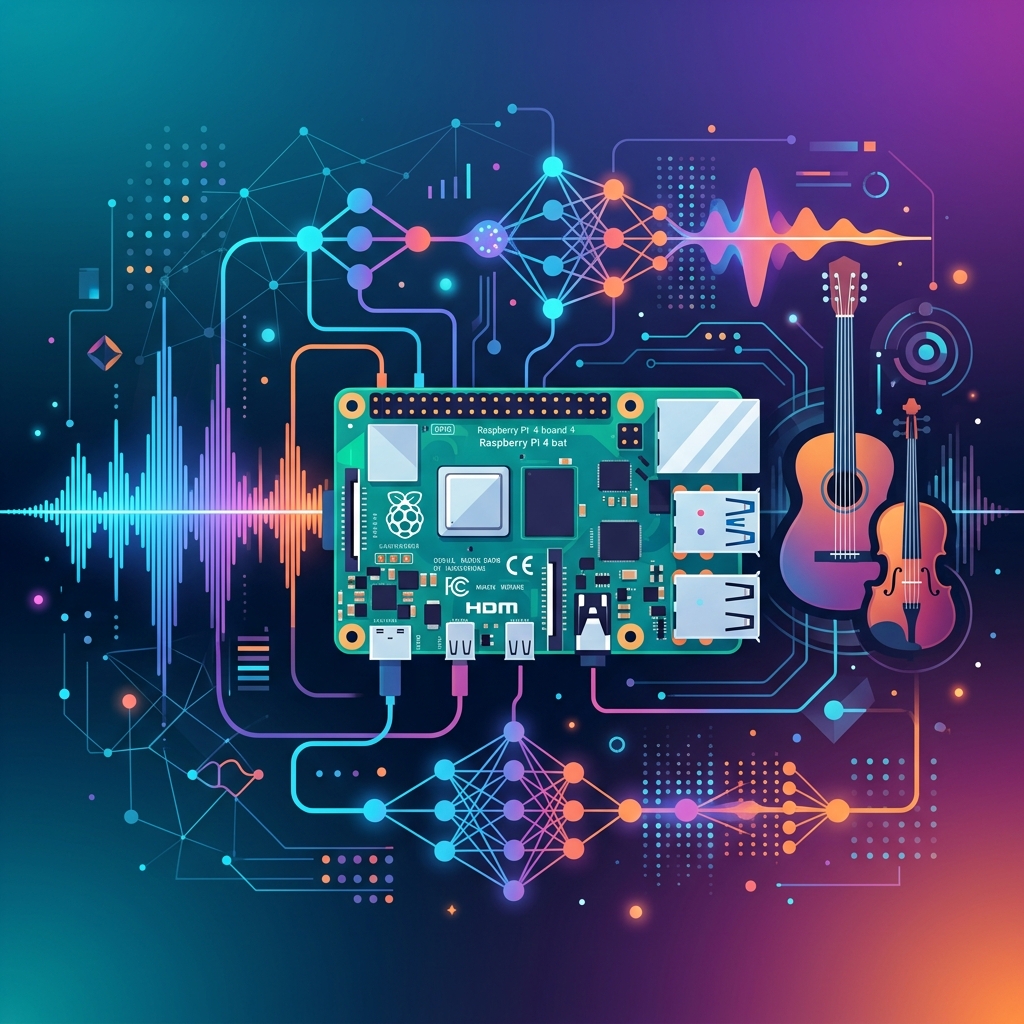
Acoustic Instrument Detection with Raspberry Pi and YAMNet
The Problem
My downstairs neighbor regularly plays an acoustic instrument. Not a problem in itself — but I wanted to know: When exactly and for how long? So I built a small AI project that logs this automatically.
It’s also a learning project: How do you deploy an open-source AI model on a Raspberry Pi? How do you run real-time audio classification on an edge device?
The Idea
A Raspberry Pi 4 with an I2S microphone listens continuously. As soon as an acoustic instrument is detected, the system logs: